

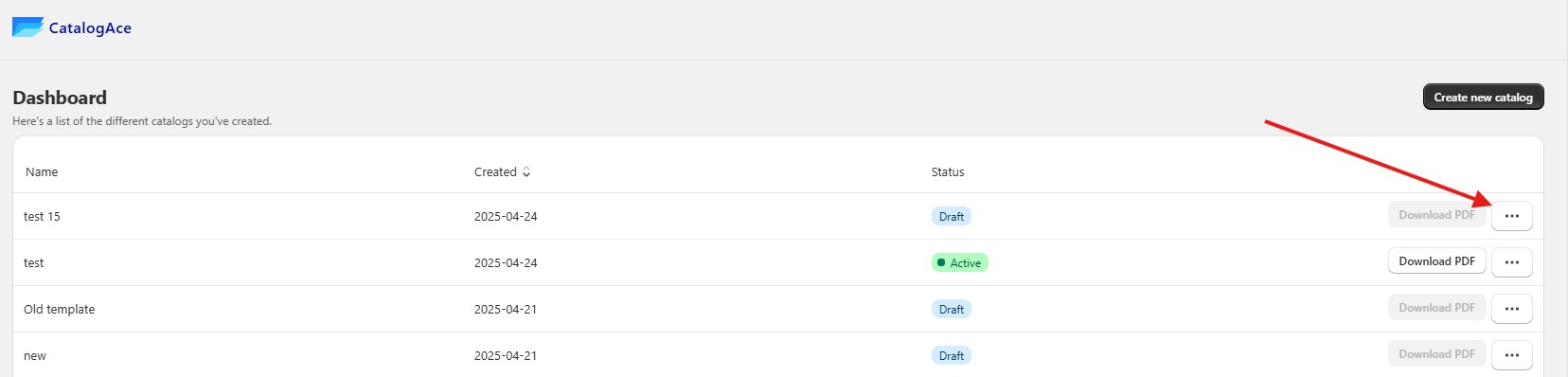
1. From the Dashboard, Click the three dots to see options.
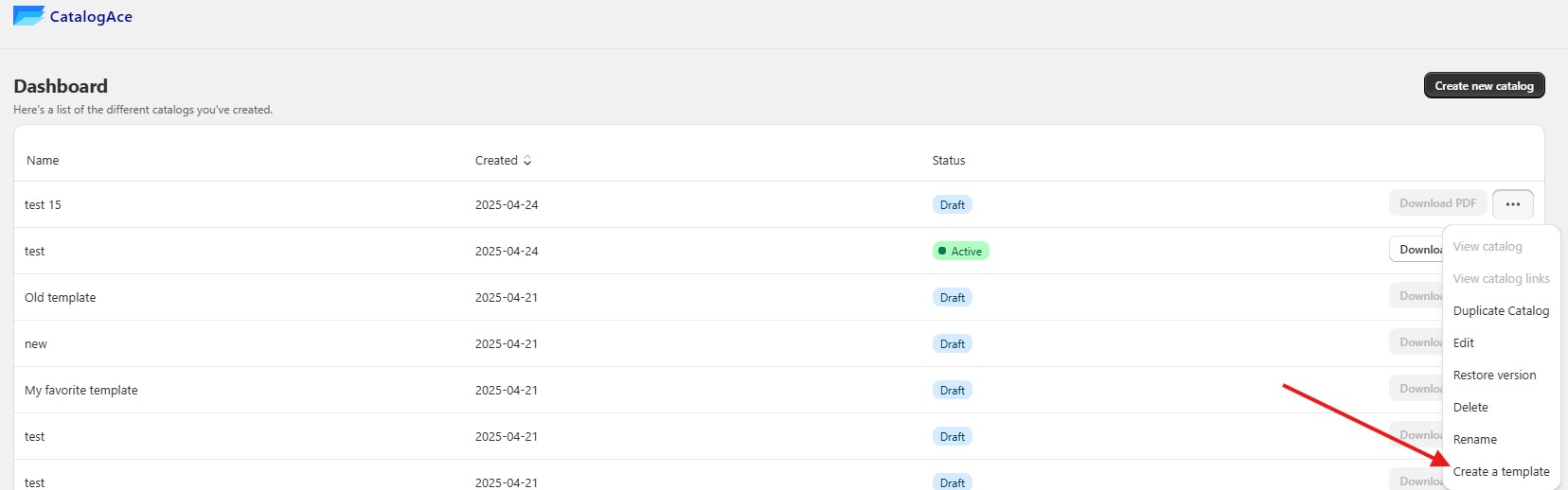
2. A small pop-up will appear after you click the three dots—then select Create a template.
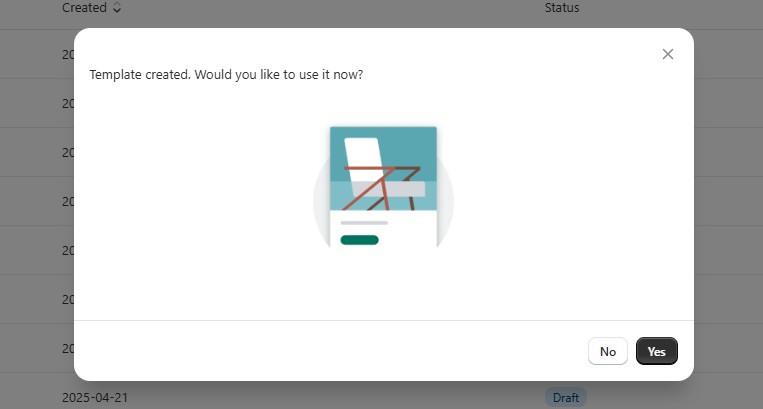
3. A new pop-up will appear—click No if you want to save the template for later, or Yes if you want to use it right away.
Note: You can only create a template from the Dashboard once a catalog already exists there, regardless of its status.
Keywords:
Create Template.
How to create a template.
Is it possible to create a template?