

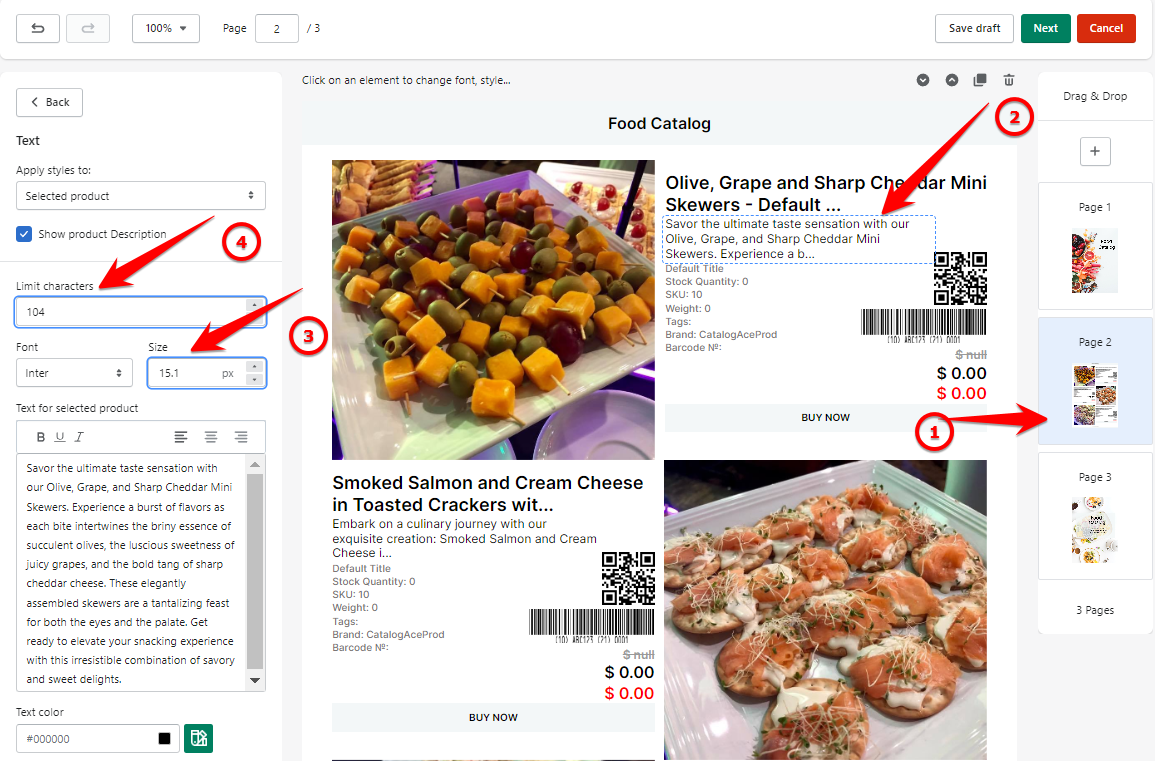
1. To do this, go to your product page.
2. Select the text that you want to edit.
3. Make the adjustments. Change the font size and adjust the limit of the characters that you want to show.
Keywords:
Can I make changes to the font?
Can I change the font size?
Can I add a long product description?