

To add a button to your catalog, navigate to the General Options page while creating the catalog.
Under the Other Options section, find the question: "Will the catalog have a button?" and answer "Yes".
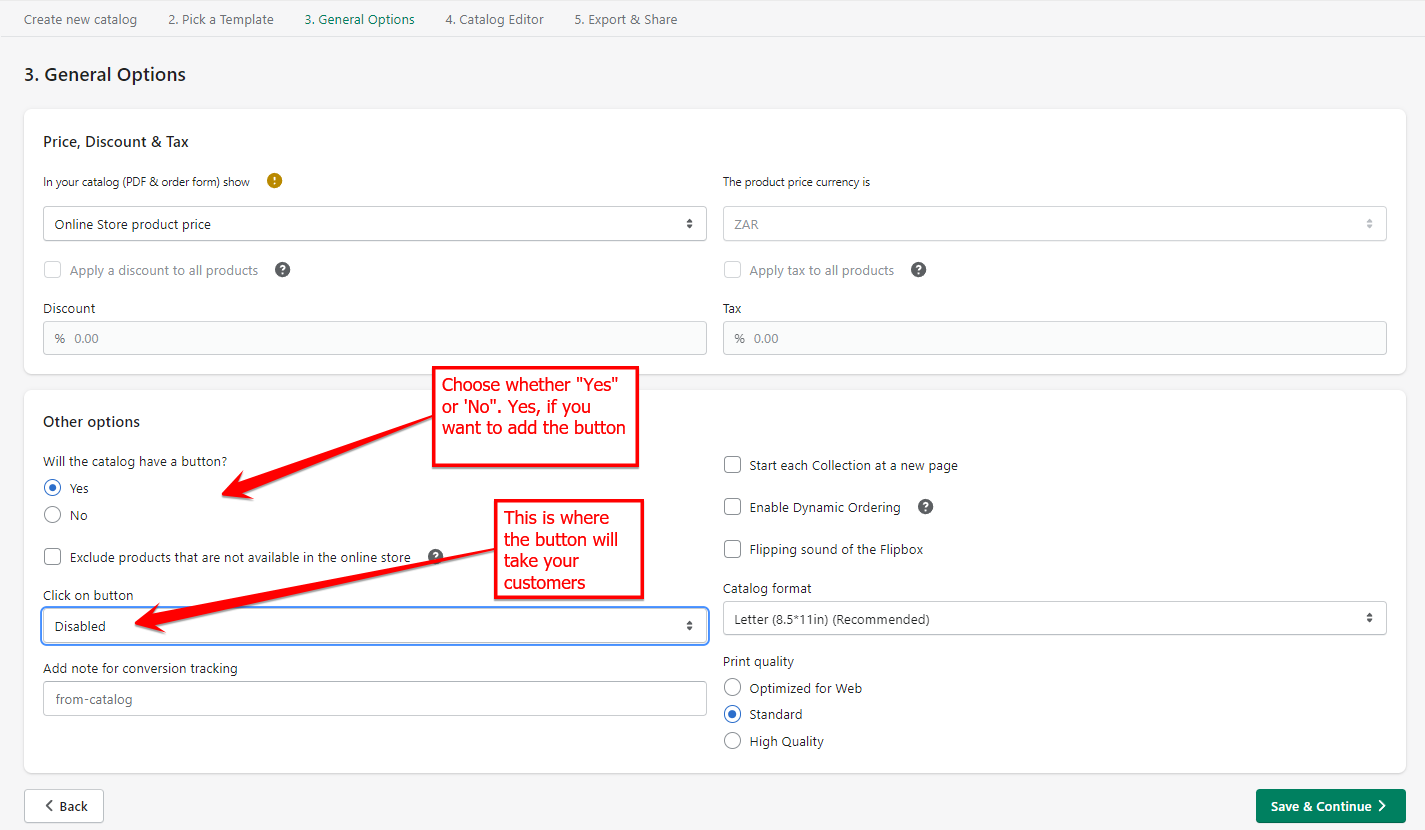
The Click on button dropdown will give you the following options to choose from for where your button will take your customer:
Disabled
Redirect to product page
Redirect to online store
Redirect to checkout page
Add to Shopping Cart
Keywords:
Add button to catalog instructions
Steps to include button in product catalog